




Turn cake orders from chats into organized orders
No more unorganized cake orders in DMs. Connect WhatsApp Business or Instagram, or simply paste an order. Orders App automatically organizes the cake details, customizations, address, and payment status.


 1
1



Sophie
$110.00
#DE0016 · Today, 11:02 AM · WhatsApp
Ship to
22 JB street, NYJ
 +1 (512) 555-0134
WhatsApp Business · Verified
Items
Vanilla chocolate cake
For Sat · 8 inch
Payment
Cash on delivery · Collect on pickup
From chat to pickup, in four steps
Connect your accounts once, then continue taking orders through chat as usual.
- 01
Connect WhatsApp Business or Instagram
Connect your business account to Orders App through the official Meta API. Setup is guided and takes only a few minutes.
- 02
Customers order through chat
They send the cake, size, flavor, message, and address the way they already talk. Nothing changes for them.
- 03
Order details are organized automatically
Orders App reads the chat and puts product, customizations, address, and payment into one order.
- 04
Prepare and complete every order
Review the captured details, update the order status, and manage the order until pickup or delivery.
Everything you need to manage cake orders
Cake order management for home bakers. Not a bakery system to configure.
Automatic order capture
Turn cake orders from WhatsApp and Instagram conversations into organized orders without copying the details manually.
Cake customization details
Keep the flavor, size, quantity, design requests, cake message, and other available customizations together with the order.
All order details together
Keep the customer, products, delivery address, and other available instructions together in one order.
Editable order details
Review and update an order when a customer changes the cake, quantity, customization, or delivery information.
Clear order statuses
Track which orders are new, pending, paid, packed, shipped, completed, or cancelled.
Payment status
Orders App checks the payment details shared in the conversation and marks whether the order is paid or unpaid.
Why managing cake orders in chats becomes difficult
A few orders may be easy to remember. As your business grows, important details can start getting missed.
Order details arrive separately
The product, quantity, customer information, and delivery address may be shared across several messages.
Product screenshots get buried
Customers often send screenshots of the products they want. Finding the correct image later can take time.
Order changes are easy to miss
A customer may change the product, quantity, or delivery address after the original order was placed.
Orders can be forgotten
When new enquiries and confirmed orders are mixed in the same inbox, an order can be overlooked.
Payment updates get buried
Payment details can be difficult to find when they are mixed with customer questions, customization requests, and other messages.
Manual entry takes time
Copying every customer and order detail into a spreadsheet creates extra work and increases the chance of errors.
Share your Store URL
If you do not use WhatsApp Business or Instagram Business, you can still take orders with Orders App. Share your-store.orders.app URL with customers so they can select baked goods, enter their contact and delivery details, or upload screenshots of the products they want. Once confirmed, the order appears directly in your Orders list. Easy as that!
Built for businesses that sell baked goods
If your customers message you a flavour, a size, and a date, you belong here.
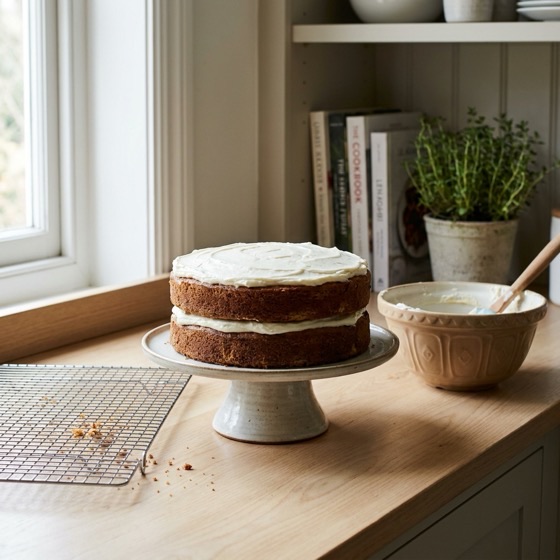 Home bakers
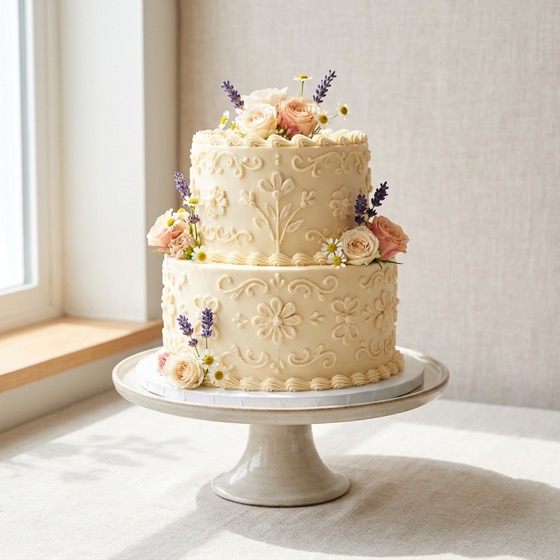 Custom cake businesses
 Cake shops
 Cupcake sellers
 Cookie businesses
 Dessert businesses
 Bread and pastry sellers
 Made-to-order bakeries
A Saturday wedding cake and a same-day dozen of cupcakes arrive as the same kind of message. That is cake order management, not bakery management software: the customizations, the cake message, and the pickup time stay on the order, so a two-week custom build and a Friday tart are equally easy to find.
Chats and spreadsheets vs Orders App
The same cake details, either hunted down in an inbox or waiting on the order.
| Criteria | Chats and spreadsheets | Orders AppThe fix |
|---|---|---|
| Collecting orders | Details spread across messages | Captured from conversations |
| Customizations | Found by rereading chats | Kept together with the order |
| Cake messages | Easy to overlook | Organized with the order details |
| Order changes | Easy to miss in long chats | Reflected in the order details |
| Payment status | Checked manually in chats | Marked as paid or unpaid |
| Order progress | Tracked separately | Managed using statuses |
Common questions
What home bakers ask before buying bakery management software.
Do I need bakery management software as a home baker?
No. Bakery management software and bakery order management software are built for shops with a till, recipes, and a production line. If you take cake orders in WhatsApp or Instagram, you need cake order management: one list of what was ordered, the customizations, and whether it is paid. That is what Orders App does.
What is cake order management?
Cake order management is collecting the cake, the customizations, the message on top, the address, and the payment status, then tracking the order until pickup or delivery. Orders App does this from the chat, so you do not have to install bakery management software to get organized.
How does Orders App organize cake orders from WhatsApp?
Connect your WhatsApp Business account to Orders App. It reads customer conversations and organizes the available product, customization, customer, and delivery information into an order automatically.
Can Orders App collect cake customization requests?
Yes. Orders App can capture available details such as cake size, flavor, quantity, design requests, and the custom message to add on the cake from customer conversations. You can review and edit the details before preparing the order.
Can I receive orders from Instagram?
Yes. Connect your Instagram Business account to Orders App to capture and organize order details from customer conversations.
What happens if a customer sends a reference image?
The reference image or product screenshot stays connected with the conversation and relevant order information, helping you review what the customer requested.
What if a customer changes an order?
Orders App follows the conversation and updates the captured information based on the latest available details. The order also remains editable, so you can correct anything before preparing it.
Do I need to copy order details into a spreadsheet?
No. Orders App organizes the available order information from connected conversations automatically, so you do not have to retype every detail into a spreadsheet.
Can Orders App identify whether an order has been paid?
Yes. Orders App checks the payment details shared in the customer conversation and marks the order as paid or unpaid. You can review the payment status from the order details.
Can I use Orders App without connecting WhatsApp or Instagram?
Yes. You can share your Store URL with customers. They can select products, enter their details, or upload product screenshots, and confirmed orders appear directly in your Orders list.
Do I need a website?
No. You can take orders through WhatsApp and Instagram or share your Store URL. You do not need to build a separate website or online store.
Can I track the progress of each order?
Yes. You can use order statuses such as new, pending, paid, packed, shipped, completed, and cancelled.
Can my team help manage orders?
Yes. You can invite team members, manage their permissions, and assign orders so everyone works from the same order list.
Does Orders App read my private chats?
Orders App only reads conversations from the business accounts you connect to capture order details. It does not access your personal chats. You can also use your Store URL without connecting WhatsApp or Instagram.
Is Orders App free?
Orders App is free to get started during early access, with no credit card required. Paid plans may be introduced later for higher usage and additional team features.
Stop searching through chats for cake details
Connect WhatsApp Business or Instagram and let Orders App organize your cake orders automatically.
Free to get started · No credit card needed