




Keep home decor orders in one place
Size, fabric, color, and delivery stay on the order, not lost in the chat. Connect WhatsApp Business or Instagram, or paste an order in.


 1
1



Sophie
$96.00
#DE0016 · Today, 11:02 AM · WhatsApp
Ship to
22 JB street, NYJ
 +1 (512) 555-0134
WhatsApp Business · Verified
Items
Sage linen cushion
20 inch · Set of 4
Payment
Cash on delivery · Collect on pickup
From chat to delivery, in four steps
Connect your accounts once, then keep taking orders the way you already do.
- 01
Connect WhatsApp Business or Instagram
Connect your business account to Orders App through the official Meta API. Setup is guided and takes a few minutes.
- 02
Customers order through chat
They send the piece, the size, the color, and the address the way they already talk.
- 03
Order details are organized automatically
Orders App reads the chat and puts the product, finish, address, and payment into one order.
- 04
Make and complete every order
Review the captured details, update the status, and manage the order until pickup or delivery.
Everything you need to manage decor orders
Order management for home decor businesses. Not a furniture POS to configure.
Automatic order capture
Turn home decor orders from WhatsApp and Instagram into organized orders without copying details by hand.
Size, fabric, and finish
Keep measurements, fabric, color, and quantity together with the order.
All order details together
Keep the customer, pieces, delivery address, and payment on one order.
Editable order details
Update the order when a customer changes the size, color, or address.
Clear order statuses
Track which orders are new, pending, paid, packed, shipped, completed, or cancelled.
Payment status
Orders App checks payment details in the conversation and marks the order paid or unpaid.
Why home decor orders get messy in chat
A few custom pieces are easy to remember. As enquiries pile up, a size or a color is easy to get wrong.
Specs arrive in pieces
The size, fabric, and color often show up across several messages.
Reference photos get buried
Customers send screenshots of a cushion or a lamp. Finding the right one later takes time.
Lead times are easy to mix up
A made-to-order shade and a ready candle sit in the same inbox.
Changes are easy to miss
A customer swaps the fabric or the delivery day after you already started.
Payment updates hide in chat
Deposits and balances sit next to questions about color.
Spreadsheets take evenings
Copying every spec by hand creates extra work and extra mistakes.
Share your Store URL
If you do not use WhatsApp Business or Instagram Business, you can still take orders with Orders App. Share your-store.orders.app so customers can pick pieces, enter contact and delivery details, or upload a photo of what they want. Once confirmed, the order appears in your Orders list.
Built for businesses that sell home decor
If customers message you a size, a fabric, and a date, you belong here.
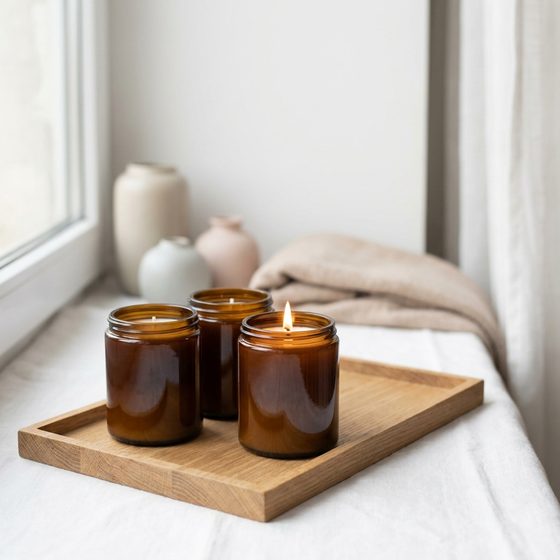 Candle makers
 Cushion and textile sellers
 Wood and shelf makers
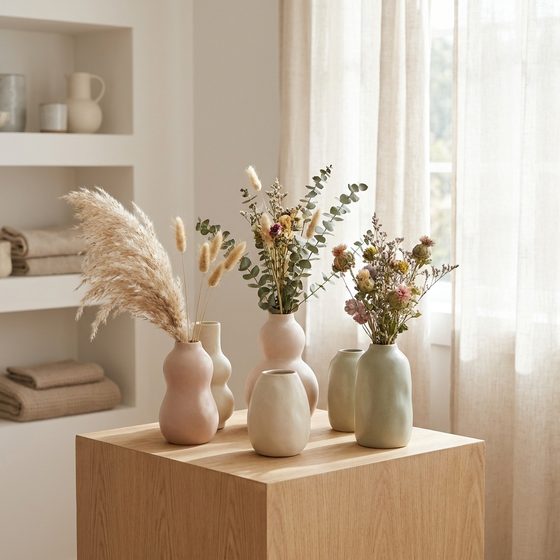 Ceramic and vase sellers
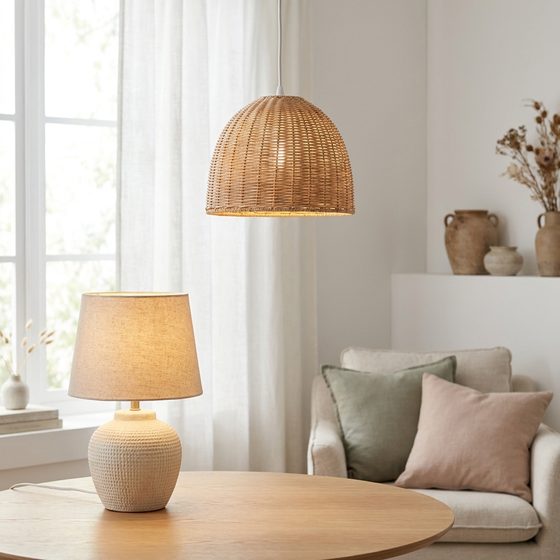 Lighting makers
 Homeware shops
A set of custom cushions and a same-week candle order arrive as the same kind of message. The size, the finish, and the delivery date stay on the order, so a two-week make and a Friday pickup are equally easy to find.
Chats and spreadsheets vs Orders App
The same decor details, either hunted down in an inbox or waiting on the order.
| Criteria | Chats and spreadsheets | Orders AppThe fix |
|---|---|---|
| Collecting orders | Details spread across messages | Captured from conversations |
| Size and finish | Found by rereading chats | Kept together with the order |
| Reference photos | Buried in the thread | Tied to the order |
| Order changes | Easy to miss in long chats | Reflected in the order details |
| Payment status | Checked manually in chats | Marked as paid or unpaid |
| Order progress | Tracked separately | Managed using statuses |
Common questions
What home decor sellers ask before they buy another shop tool.
Do I need shop software to sell home decor?
Not if you take orders in WhatsApp or Instagram. You need one list of the piece, the size or finish, the address, and whether it is paid. That is what Orders App does.
How does Orders App organize decor orders from WhatsApp?
Connect your WhatsApp Business account. Orders App reads the conversation and organizes the product, customer, and delivery details into an order.
Can I receive orders from Instagram?
Yes. Connect your Instagram Business account to capture orders from DMs and story replies.
What if a customer sends a reference photo?
The photo stays with the conversation and the order, so you can check the size or finish they asked for.
What if a customer changes the color or the address?
Orders App follows the conversation and updates the captured details. The order stays editable if you need to correct anything before you make or ship it.
Do I need to copy orders into a spreadsheet?
No. Orders App organizes the order from the chat, so you do not retype every spec.
Can Orders App mark whether an order is paid?
Yes. It checks payment details in the conversation and marks the order paid or unpaid.
Can I use Orders App without connecting WhatsApp or Instagram?
Yes. Share your Store URL. Customers pick pieces and enter their details, and confirmed orders appear in your Orders list.
Do I need a website?
No. You can take orders in chat or share your Store URL.
Is Orders App free?
Orders App is free to get started during early access, with no credit card required. Paid plans may arrive later for higher usage and teams.
Stop hunting decor details in chat
Connect WhatsApp Business or Instagram and let Orders App organize your home decor orders.
Free to get started · No credit card needed